Social Media Scheduling for Small Businesses: Complete Guide
Social media scheduling helps small businesses publish consistently without needing to stop what they are doing every time a post should go live. The goal is not to automate your entire presence. It is to move routine publishing into a planned workflow so your team can spend more time on strategy, customers, and timely engagement.
A strong scheduling process starts with approved content, a realistic calendar, and clear rules for what should be scheduled in advance versus handled manually.
What is social media scheduling?
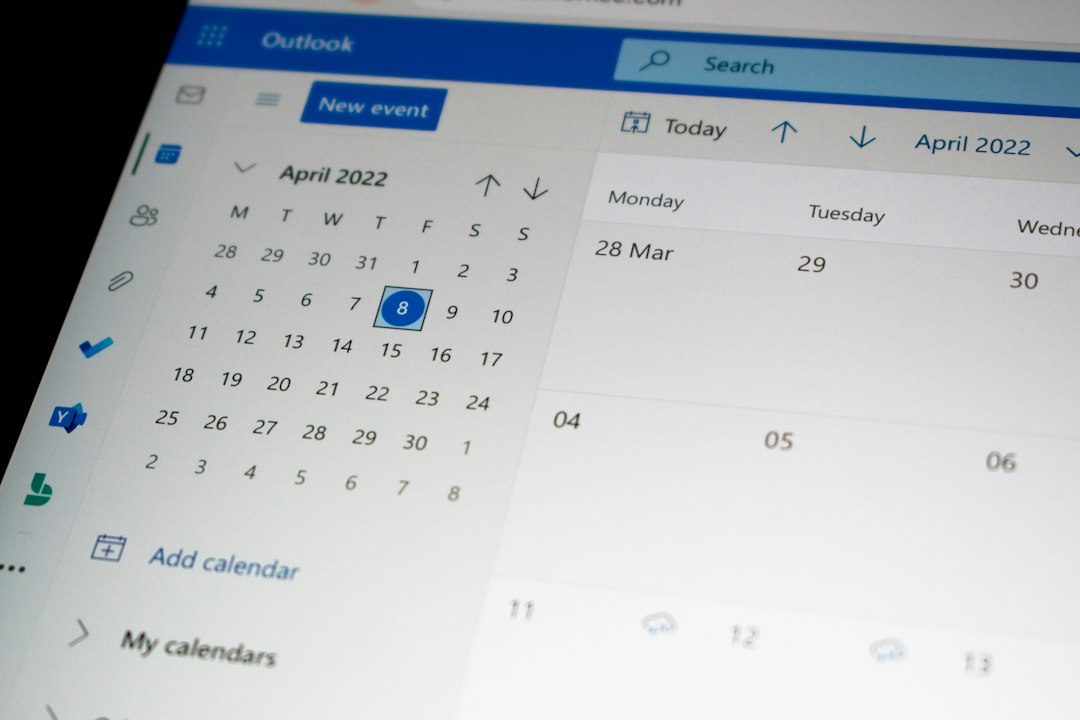
Social media scheduling is the process of preparing posts ahead of time and assigning them to future publication dates and times. Instead of manually logging in to each channel when a post is ready, approved content is placed into a calendar and scheduled for release.
For a small business, this can make social media more manageable because content creation and publishing no longer have to happen at the same moment.
Why scheduling matters for small businesses
Many small businesses struggle with consistency because social media competes with sales, customer service, operations, and dozens of other daily priorities. Scheduling reduces that pressure by separating planning from publishing.
Benefits can include:
- more consistent posting,
- fewer last-minute content decisions,
- better coordination around promotions and events,
- an easier approval process,
- less repetitive manual publishing, and
- a clearer view of what is coming next.
What should be scheduled in advance?
Not every post needs to be published manually. Evergreen and planned content is usually the easiest to schedule.
Examples include:
- educational tips,
- frequently asked questions,
- service or product explanations,
- scheduled event reminders,
- seasonal campaigns,
- preapproved promotional posts, and
- recurring brand-awareness content.
Scheduling works best when the information is unlikely to change before the post goes live.
What should usually stay flexible?
Some content needs current context or a human response. Avoid scheduling sensitive or highly time-dependent posts too far in advance.
That can include:
- breaking news or rapidly changing events,
- customer-service responses,
- crisis communications,
- last-minute operational changes,
- posts that depend on weather or live conditions, and
- anything requiring confirmation immediately before publication.
A useful calendar leaves room for this kind of timely content.
How far ahead should you schedule social media?
There is no single schedule that works for every business. For many small teams, planning and scheduling one to four weeks ahead creates a useful balance between consistency and flexibility.
A shorter schedule may work better if your content changes frequently. A longer schedule may be practical for evergreen educational content or campaigns with fixed dates.
The important question is not “How far ahead can we schedule?” It is “How far ahead can we schedule while keeping the information accurate and relevant?”
A practical scheduling workflow
1. Start with your content plan
Scheduling should come after strategy. Identify the goals, themes, campaigns, and audience needs that will guide your content. If that foundation is not in place yet, start with our guide on how to build a social media content plan.
2. Create content in batches
Draft several posts during one focused session. This makes it easier to maintain a consistent voice and reduces the time lost switching between tasks.
3. Review before adding posts to the calendar
Check facts, links, dates, tone, visuals, and calls to action before scheduling. A scheduled error can still become a public error.
4. Assign dates and channels
Place approved posts into your content calendar and decide where each one should be published.
5. Schedule the evergreen content
Move the posts that do not require real-time context into your scheduling system.
6. Keep open space
Do not make the calendar so full that there is no room for timely updates, current customer questions, or important announcements.
7. Monitor after publishing
Scheduling a post is not the end of the process. Check comments, messages, and performance so your business remains responsive.
How to manage multiple social channels without creating extra work
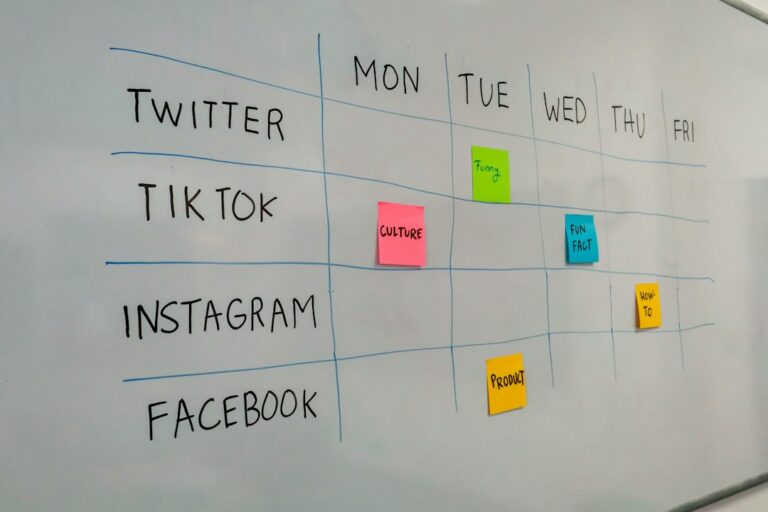
Multichannel publishing is useful because a business can manage approved content from one workflow, but that does not mean every post should be identical everywhere.
Start with a core message, then consider whether the format or wording needs to change for each channel.
For example:
- a short caption may work well with a visual post,
- a longer explanation may fit a more text-oriented channel,
- a video-first platform may need a short script or visual concept, and
- a visual discovery platform may need stronger image-led presentation.
The goal is efficiency without ignoring how people use each channel.
Common social media scheduling mistakes
Scheduling too much too far ahead
When an entire month is locked in with no flexibility, content can become stale or disconnected from what is happening in the business.
Publishing without a final review
Check scheduled content for old dates, broken links, outdated promotions, and claims that may have changed.
Ignoring engagement after the post goes live
Scheduling saves publishing time, but social media still requires human interaction. Comments and messages should not be treated as fully automated tasks.
Posting the same format everywhere
Using one central workflow is efficient. Copying every post word-for-word without considering the destination can make the content less effective.
Scheduling without measuring
If you never review performance, you cannot tell whether your schedule is helping. Use reporting to identify useful topics, formats, and posting patterns.
How AI can support scheduling without taking over
AI can help draft captions, generate post ideas, adapt copy, and create visual concepts before content reaches the scheduling stage. This can shorten the time between an idea and an approved post. Our guide to AI social media content creation explains how to use that assistance without losing brand control.
The strongest workflow keeps human review in the middle:
Idea → AI-assisted draft → human review → calendar → scheduling → publishing → performance review.
That keeps efficiency high without losing accountability.
How Postrillo supports the workflow
Postrillo combines AI caption and post generation, AI image and video creation, content calendar and scheduling, multichannel publishing, and analytics and reporting.
For a small business, that makes it possible to move from content creation into scheduling and publishing without rebuilding the same workflow across several separate tools.
After content is approved, it can be organized in the calendar, scheduled for future publication, distributed across supported channels, and reviewed through reporting.
A simple weekly scheduling routine
If your team needs a lightweight system, try this:
- Monday: review goals and select the week’s topics.
- Tuesday: draft or generate content and visuals.
- Wednesday: review, approve, and schedule evergreen posts.
- Throughout the week: monitor engagement and add timely content when needed.
- Friday: check performance and note ideas for the next planning session.
You can compress this into a single batch session if that fits your business better. The important part is creating a repeatable process.
Final takeaway
Social media scheduling should make your workflow calmer, not more complicated. Plan useful content, approve it before scheduling, keep space for timely posts, and continue monitoring after publication.
The best scheduling system is the one your business can maintain consistently while still sounding current and human.
Related resources
How to Build a Social Media Content Plan
Build a practical social media content plan with clear goals, content pillars, a realistic posting cadence, and a…
Read resource
AI Social Media Content Creation: A Practical Guide for Small Businesses
Learn how small businesses can use AI to create social media content faster while protecting brand voice, accuracy,…
Read resourcePut what you learned into action.
Create, plan, schedule, publish, and measure your social media content with Postrillo.
Explore Postrillo